Are you new to the Online Community and looking for help with getting started? We're here to help.
We have produced a short video, showing you step by step how to get started.
This video shows you step by step how to join a group/forum and post a message.
If you prefer written instructions, you can find them here:


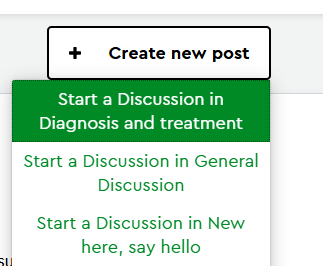
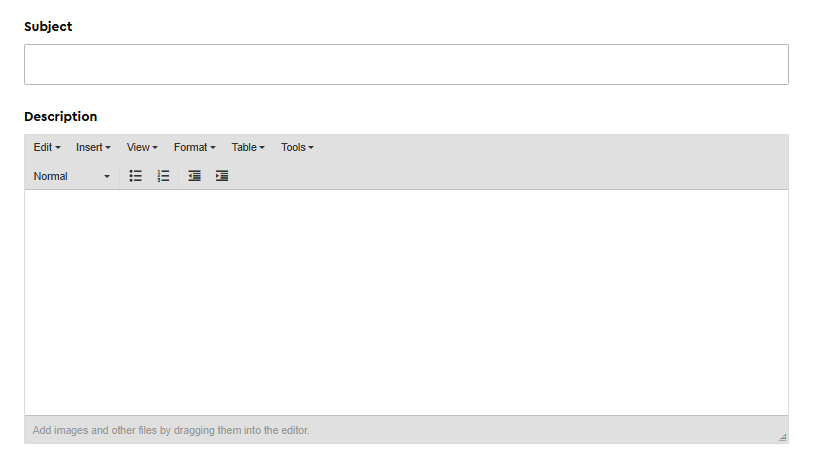
Subject line - Write your post title in the subject line, this should just be few words to describe what you want to talk about or discuss
Description - Use this space to write your post. This will start a new discussion in the forum.
You could:
You might want to:
It's ok if you're not sure what to talk about yet, we'd encourage you to introduce yourself so that other members know that you're here.
Once you have finished writing, click ‘post’ in the green button at the bottom to post it in the forum.

If you have allowed email notifications, we will send you an email to let you know when someone replies to your post.
We are producing further videos to help users of the Online Community access the support you need. Please do let us know if there is a function you would particularly benefit from some extra help with.