Introducing our new Community badges!
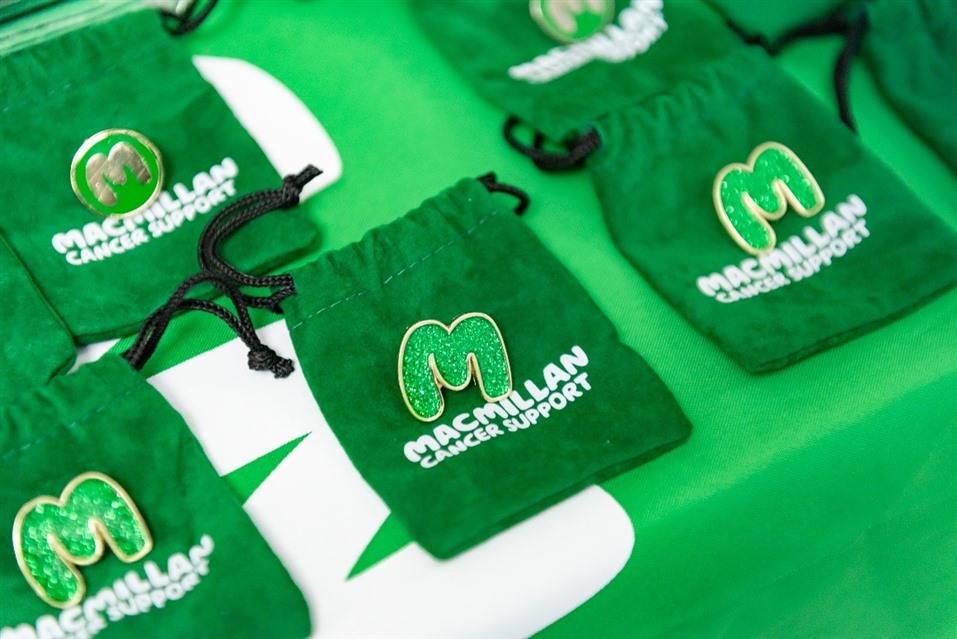
We are really excited to be able to share with you today a new feature on the online Community, our Community badges.
Our Community badges are not only a new way for our members to quickly identify the Community team, and our Community Champions, but also a way to celebrate you and the amazing support you provide each and every day on the Community.
We have three badges which we are going to be launching, and we wanted to tell you more about each of these badges below.
Staff badge

This badge is for Macmillan’s Community team. The Community team are Macmillan staff that are dedicated to running the Community. The Community team are available 7 days a week and are here to support you.
This badge will only be given to members of Macmillan’s Community team, so you can easily identify when you are speaking to a member of the team.
Community Champions’ badge

This next badge is for our Community Champions. Community Champions are Macmillan volunteers and Community members who dedicated their time to providing support in our discussion groups. They respond to questions, welcome new members and help keep the Community a safe and supportive place. All our Community Champions will now have this badge, so you can more easily see when a Community Champion has responded to your post.
Special Contribution badge

This last badge is our Special Contribution badge. It is given by us here on the Community team to members of the site we feel have gone above and beyond to provide support. It could be for a specific act of kindness, an inspirational blog or post, or for helping another member through a difficult time.
This badge is awarded as a way of recognising the special contribution a member has made to our Community. Here on the team we see every day the amazing support our members give one another, and we wanted to celebrate and recognise this with our Special Contribution badge.
How can I see if a Community member has been awarded a badge?
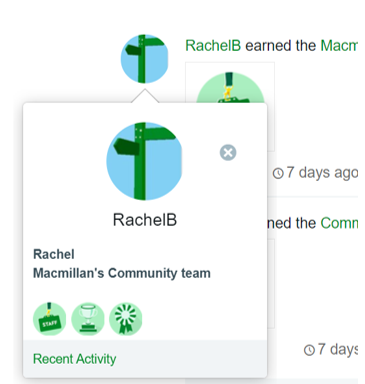
If you are using a laptop or computer to access the Community, you can see if a member has been awarded a badge by hovering you cursor over their username. Once you are hovering over their username, their profile card will then appear. At the bottom of the card, you can see the icons of the badges the member has achieved.
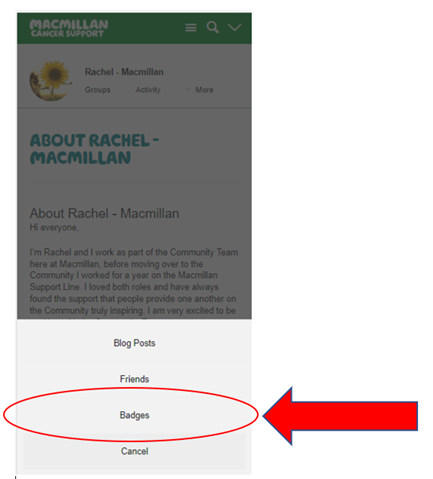
If you are using a mobile or tablet to access the Community, you can see if a member has been awarded a badge by going to their Community profile, clicking on the ‘More’ button and then selecting the ‘Badges’ tab.
We will be launching more Community badges as time goes on, so make sure you keep up to date with our Community News Blog to get all the latest news about the site from the Community team.
If you have any questions about our Community badges, why not ask below? You can also email the Community team at community@macmillan.org.uk